
Follow the instructions below to check a transaction on your PAX A35:
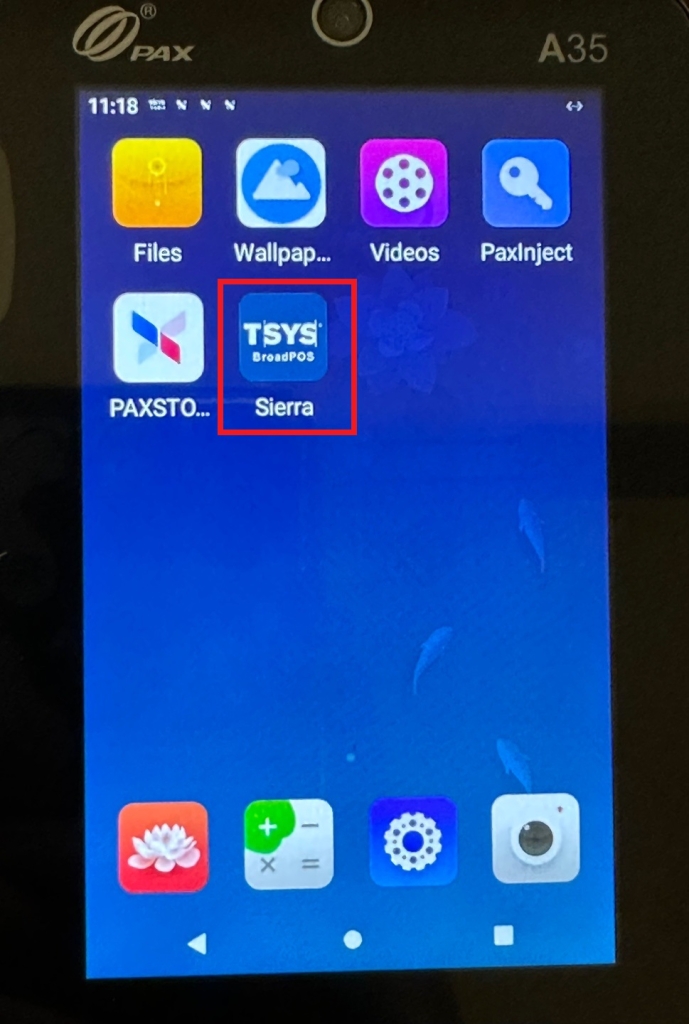
1) Open the TSYS Sierra application on your terminal.
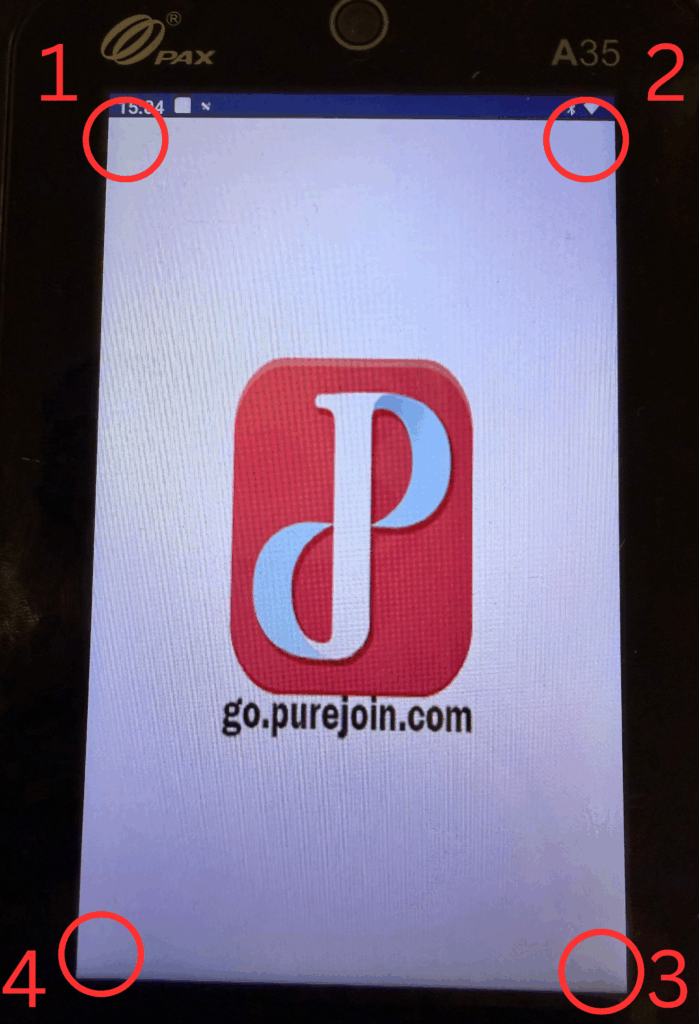
2) Tap the four corners of the screen, starting with the top left, clockwise.
3) Input the password today’s date (MM/DD/YYYY).
4) In the Settings menu, scroll down to locate “History” and tap.

5) The transactions history will be listed.

Leave A Comment